Comfy Agent: The First Agent for Craft
news-coverage
Comfy Agent: The First Agent for Craft
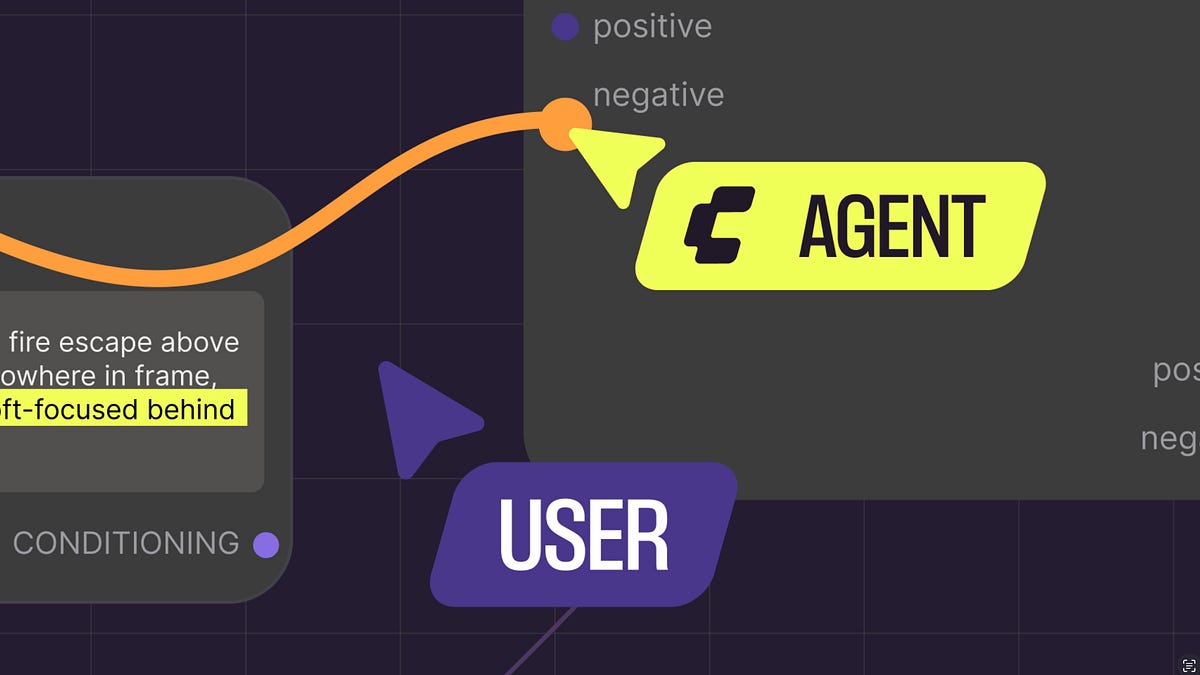
Comfy Agent Explained: What the First Agent for Craft Actually Changes in AI Art Workflows
The announcement of Comfy Agent marks a genuine pivot point in how we think about AI-assisted creativity. Positioned as the first agent built specifically for craft-oriented creative work, Comfy Agent is not another prompt-to-image toy. It is an autonomous system designed to plan, execute, and refine multi-step workflows inside the ComfyUI ecosystem. For developers, studios, and solo artists who have spent years wrestling with node graphs, this launch signals that the era of agentic creative automation has arrived. This deep dive unpacks what Comfy Agent actually does, how it works under the hood, where it excels, and the limitations you need to understand before betting your pipeline on it.
What Was Announced and Who It Is For

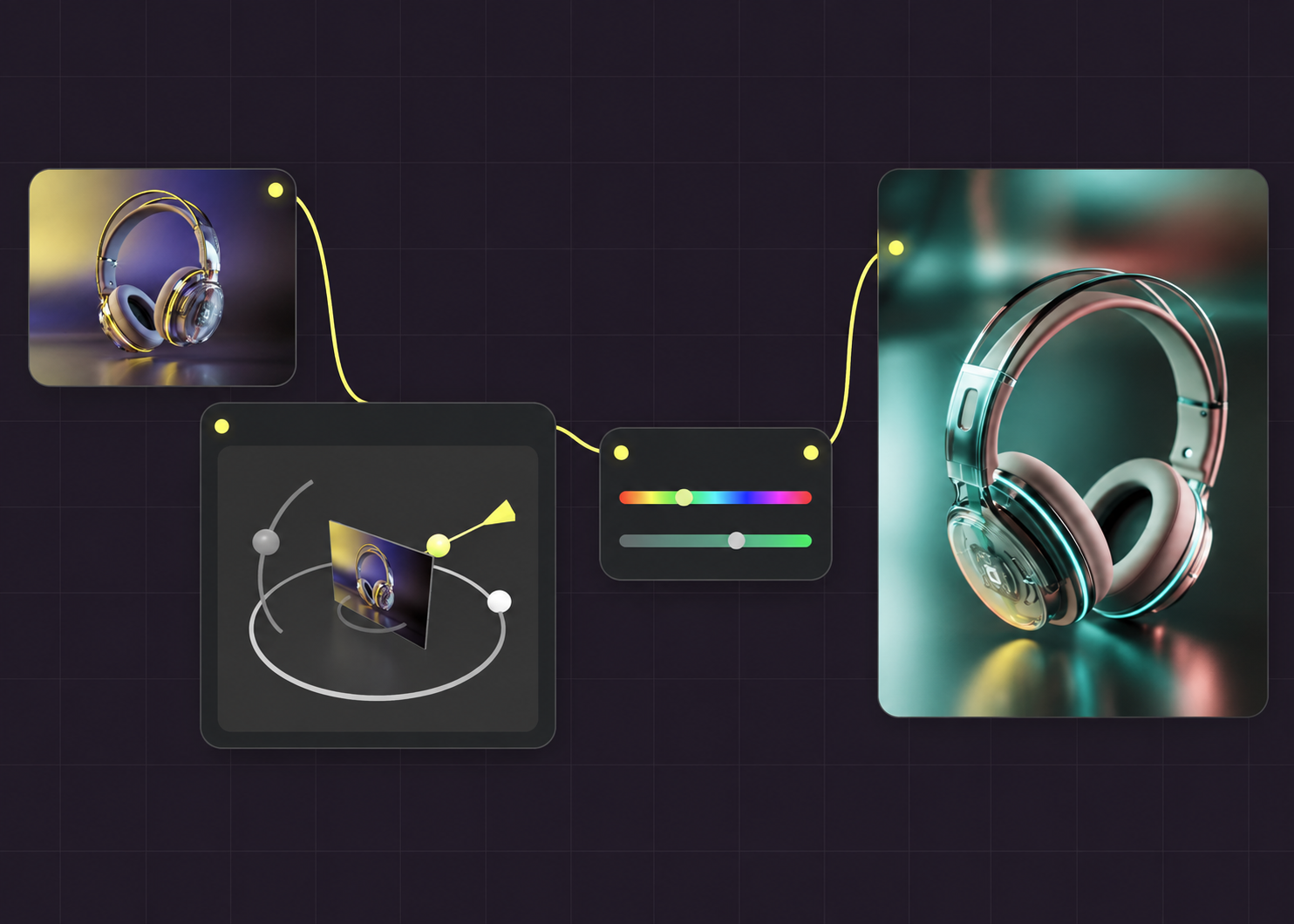
At its core, Comfy Agent is a workflow-aware agent that interprets creative briefs and translates them into executable ComfyUI node graphs. Unlike generic image-generation agents, it understands dependencies between model loaders, samplers, ControlNets, LoRAs, and upscalers. That native awareness is the differentiator.
The target audience is broader than it first appears. ComfyUI power users will use it to automate repetitive pipelines and reclaim hours of manual wiring. Studios with production deadlines will use it to standardize asset generation across teams. Solo artists and workflow builders gain a co-pilot that can propose structures they might not have considered. If you have ever rebuilt the same txt2img-to-upscale chain a dozen times, you are the intended user.
Why the Timing Matters for AI Art Workflow Automation
The last two years have been dominated by instant gratification tools. Services like Imagine Pro have raised expectations dramatically, letting anyone generate high-resolution, photorealistic or fantasy imagery in seconds from a simple prompt. That speed is intoxicating, but it abstracts away control. Comfy Agent takes the opposite stance: it preserves depth while adding automation.
The market is clearly bifurcating. On one side sit instant generators optimized for velocity and accessibility. On the other sit agentic pipelines optimized for repeatability, compliance, and brand consistency. Comfy Agent plants a flag firmly in the second camp, and that timing aligns with where professional creative teams are actually heading.
Early Reactions from the ComfyUI and Creative AI Communities

Reactions across the ComfyUI community have been predictably split. Automation advocates see a genuine leap forward, especially for batch work and pre-production. Purists worry that agent-generated graphs will flatten the idiosyncratic, hand-tuned pipelines that give their work character. Reliability questions dominate the skeptical camp: will the agent hallucinate nodes, misroute models, or silently degrade quality across iterations? Cost, reproducibility, and licensing checks are the other recurring themes. These concerns are legitimate and worth returning to later in this article.
What Makes Comfy Agent Different? Core Capabilities of the ComfyUI Agent
Native Understanding of ComfyUI Node Graphs and Dependencies

Most AI agents treat image generation as a black box. Comfy Agent treats it as a directed graph. It reasons about node types, input slots, output slots, and the dependency order that determines whether a workflow executes at all. This matters because a misplaced ControlNet or a sampler that receives a latent from the wrong VAE will not just look wrong, it will crash the queue. Native graph understanding is what separates a real ComfyUI agent from a prompt wrapper.
Agentic Planning: Turning Creative Briefs into Multi-Step Workflows
Given a brief like "cinematic product shot of a matte ceramic mug, soft rim light, on marble, 16:9, brand palette," the agent decomposes intent into concrete steps: select checkpoint, expand prompt, choose ControlNet for composition, wire an upscaler, and prepare batch variation. This decomposition is not a single LLM call. It is a structured planning loop that checks feasibility against available models, VRAM, and node availability.
Built-In Iteration, Variation, and Quality Control
Comfy Agent does not stop at first render. It reviews outputs, scores them against the brief, adjusts seeds and CFG, and regenerates weak candidates. Human approval gates can be inserted at any stage. In practice, this feedback loop is where the agent's value compounds: the more it runs, the better its parameter choices become for a given style.
Flexibility Across Photorealism, Fantasy, and Brand-Specific Styles
The agent handles photorealistic product shots, fantasy concept art, and tightly branded visual systems without favoring one aesthetic. For creators who need immediate high-resolution concepting alongside deeper agentic workflows, Imagine Pro is an AI-powered tool that generates stunning, high-resolution images and art in seconds, from photorealistic photos to fantasy creations; users can bring ideas to life effortlessly with a free trial available. Used together, the two tools cover both ends of the speed-versus-control spectrum.
How the ComfyUI Agent Works Under the Hood
Architecture Overview: Planner, Executor, Memory, and Feedback Loops
Comfy Agent's architecture splits into four layers. The planner converts briefs into task graphs. The executor translates those graphs into ComfyUI API calls or workflow JSON. The memory stores past runs, successful parameter sets, and node configurations. The evaluator scores outputs and decides whether to iterate. Each layer is independently inspectable, which is crucial for debugging.
Task Decomposition and Node Selection Logic
Node selection is driven by a combination of retrieval over prior runs and rule-based constraints. If a brief specifies "anime style," the agent routes toward checkpoints and LoRAs tagged accordingly. If output must be 4K, it inserts an upscale chain and validates VRAM headroom. When a step fails, the agent reconnects by substituting equivalent nodes rather than restarting the entire graph.
Model Routing: Checkpoints, LoRAs, ControlNets, and Upscalers
Model routing is arguably the most fragile part of any agentic image pipeline. Comfy Agent handles it by maintaining an indexed catalog of local and remote checkpoints, ranking them against style and task signals. ControlNets are selected based on structural requirements (pose, depth, edges), and upscalers are chosen by target resolution and speed budget.
Reproducibility, Safety Checks, and Local vs. Cloud Execution
Seeds, model hashes, and node versions are logged per run, enabling true reproducibility. Licensing checks flag checkpoints with non-commercial restrictions. Local execution keeps data private but limits throughput; cloud execution scales but raises data residency questions. Comfy Agent supports both, and teams should choose based on their compliance posture.
What ComfyUI Documentation and Power Users Reveal About Agent Design
ComfyUI's official documentation and its active community forum have long emphasized modularity, deterministic seeds, and node isolation. Comfy Agent's design mirrors these principles. Power users already know that the hardest bugs live in edge cases: mismatched latent shapes, VAE mismatches, and silent ControlNet failures. A reliable agent must inherit that battle-tested knowledge.
AI Art Workflow Automation in Practice: A Step-by-Step Walkthrough
Step 1: Installing and Connecting Comfy Agent to Your ComfyUI Environment
Installation typically involves adding the agent as a service that communicates with your ComfyUI instance over its API. You will need to grant filesystem access to model directories and configure authentication. Start with a sandboxed environment before connecting production assets.
Step 2: Writing a Creative Brief the Agent Can Execute
Briefs should include style references, constraints, aspect ratio, intended use, and negative constraints. Vague briefs produce vague graphs. Treat the brief like a ticket an art director would hand a junior designer: specific, bounded, and testable.
Step 3: Reviewing Agent-Generated Workflows and First-Pass Images
Always inspect the generated graph before mass execution. Look for redundant nodes, missing upscalers, and incorrect ControlNet weights. First-pass images reveal whether the prompt expansion matched your intent.
Step 4: Refining Prompts, Parameters, and Node Overrides
Lock nodes you trust, override parameters you want control over, and re-run only the affected branches. This is where the agent shifts from autopilot to co-pilot.
Step 5: Batching, Exporting, and Saving Reusable Workflow Templates
Batch generation with consistent naming and metadata enables downstream selection. Save every successful graph as a template; your library becomes the agent's long-term memory.
Real-World Example: From Mood Board to Campaign-Ready Visual
A brand team drops a mood board into Comfy Agent with the brief "clean studio visuals, warm palette, 16:9 and 1:1 variants." The agent proposes a workflow, renders twenty candidates, and ranks them by style similarity. The art director picks five, adjusts lighting via node overrides, and exports a final set. Total time: a few hours instead of a few days.
Key Use Cases for a Creative AI Agent Across Industries
Comfy Agent shines in concept art pipelines where rapid iteration across characters, environments, and lighting matters. In marketing, it produces multi-format brand assets with consistent styling. For e-commerce, it generates catalog-ready product imagery with controlled backgrounds and lighting. Storyboarding teams use it to maintain visual continuity across scenes. And solo creators finally get automation without surrendering authorship: they define the graph, and the agent executes it.
Comfy Agent vs. Traditional ComfyUI Workflows and Other AI Image Generators
Manual node graphs still win when exploration and idiosyncratic style matter. Comfy Agent wins when repeatability, scale, and auditability matter. Compared to generic prompt-based agents, Comfy Agent operates at node level rather than prompt level, which is a meaningful leap. Instant tools remain unbeatable for one-off concepting; they simply cannot deliver the reproducibility a production pipeline demands. On cost and learning curve, Comfy Agent sits in the middle: cheaper than dedicated studio builds, more demanding than a prompt box.
Limitations, Risks, and Ethical Considerations for AI Art Agents
Automation compounds errors. A broken anatomy issue in step two can cascade into every output downstream. Style drift across long batches is a real phenomenon. Copyright and licensing risks are non-trivial: model provenance, input image rights, and commercial usage terms must be audited per project. Compute costs scale quickly at high resolution, and carbon footprint is a serious consideration for studios running thousands of iterations. Above all, human art direction remains essential. The agent proposes; the artist disposes.
Best Practices for Getting the Most Out of Comfy Agent
Write briefs with explicit constraints, not vibes. Organize node templates and asset libraries with strict naming conventions and version control. Run A/B tests with tracked seeds and regression checks before rolling out new workflows. Set review gates so art directors can inject taste at critical stages. Measure success with concrete KPIs: iteration time, approval rate, brand consistency scores, and cost per approved asset.
Advanced Techniques and Hidden Insights for Power Users
Chaining multiple agents for concept, refinement, and upscaling creates a layered pipeline. Fine-tuning the agent on brand style guides via retrieval-augmented generation yields significantly better on-brand outputs. Integrating custom nodes, DAM systems, and cloud storage turns the agent into an enterprise-grade orchestrator. Performance tuning via tiling, VRAM offloading, and parallel execution keeps high-resolution batches feasible. The real moat, though, is workflow memory: an agent that remembers and improves your graphs over time is far more valuable than one that simply generates images.
The Future of Comfy Agent and Creative AI Workflows
This launch likely pushes competitors toward craft-aware automation. Expect roadmap features like real-time collaboration, 3D asset generation, and video pipelines. Studios and solo creators should invest now in ComfyUI fluency, workflow design, and AI-assisted art direction. The balance between automation and artistic ownership will define the next decade of creative work.
Conclusion
Comfy Agent represents a meaningful shift in AI art workflow automation. It is not a replacement for human taste, but it is a serious multiplier for teams who value control, reproducibility, and scale. Whether you are a solo creator or a studio pipeline engineer, understanding what Comfy Agent does, where it fails, and how to combine it with fast tools like Imagine Pro will determine how effectively you ship creative work in the coming years.